

Onboarding a new client feels straightforward, until you discover they’ve been named in fraud allegations, sanctions lists, or regulatory enforcement actions. By then, the reputational and compliance damage may already be done. An adverse media screening tool automates the process of scanning news sources, watchlists, and public records to flag potential risks before they become your problem.
For Australian accounting firms preparing for AUSTRAC’s AML/CTF regime, and other regulated businesses managing KYC obligations, manual media searches simply don’t scale. They’re time-consuming, inconsistent, and prone to human error. The right screening tool integrates directly into your existing workflows, reducing friction while strengthening your compliance posture.
At StackGo, we build identity verification and compliance tools, like IdentityCheck, that work natively within your CRM, so you can verify identities and manage risk without switching between platforms. This article explains what adverse media screening tools do, why they matter for compliance, and how to evaluate your options so you can choose a solution that fits your operations and regulatory requirements.
Why adverse media screening matters in Australia
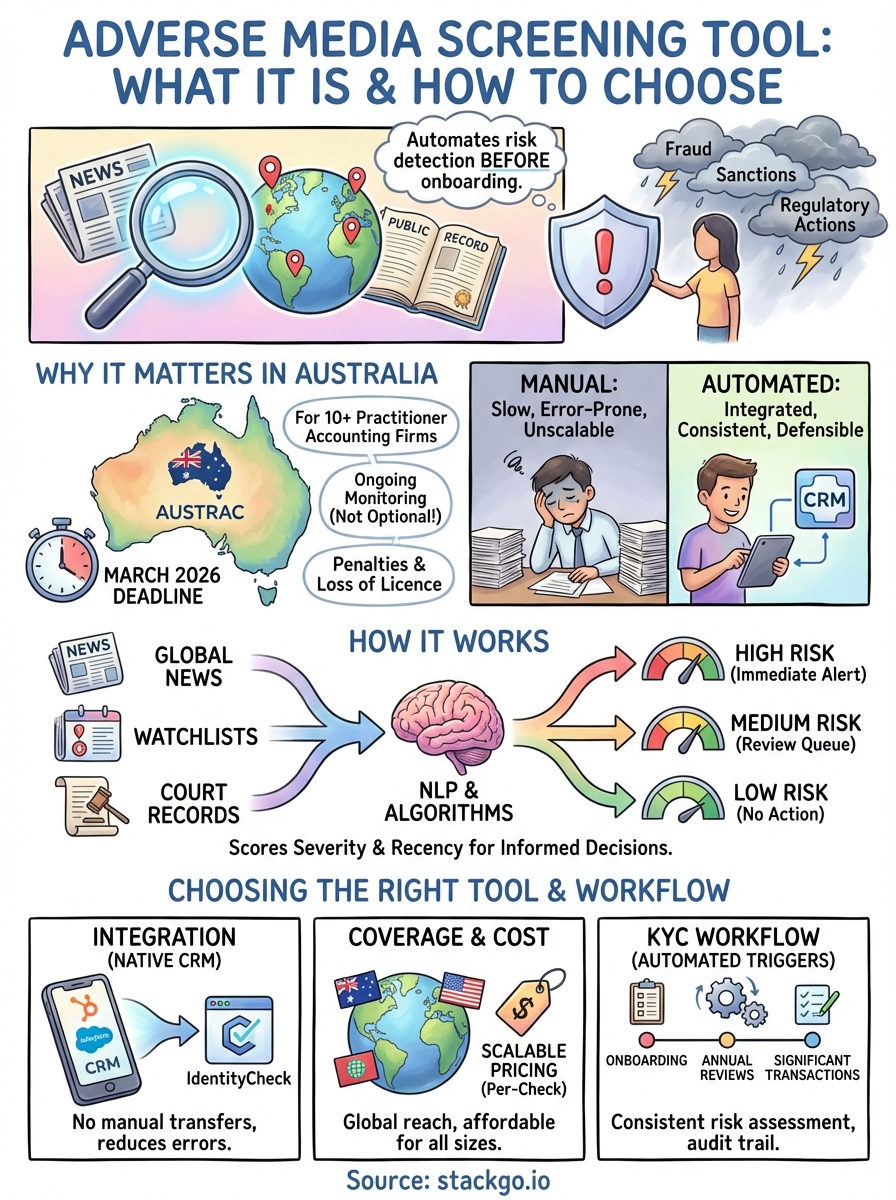
Australian accounting firms face a compliance deadline that will fundamentally change how they onboard clients. From March 2026, firms with more than 10 practitioners must comply with AUSTRAC’s Anti-Money Laundering and Counter-Terrorism Financing (AML/CTF) regime. This includes verifying client identities, assessing ongoing risks, and screening for adverse media. Firms that fail to implement adequate controls face penalties, including fines and loss of professional licences.
Regulatory obligations driving adoption
AUSTRAC requires you to conduct ongoing customer due diligence, which means identifying changes in client risk profiles throughout the business relationship. An adverse media screening tool automates this process by continuously monitoring news sources, enforcement actions, and sanctions lists. You’re not simply ticking a box at onboarding; you’re building a defensible compliance framework that demonstrates reasonable steps to detect money laundering and terrorism financing risks.
Ongoing monitoring isn’t optional under AUSTRAC. It’s a core obligation that regulators will scrutinise during audits.
Beyond accounting, legal firms, real estate agents, financial advisers, and recruitment agencies must also manage KYC requirements. Each sector has different risk thresholds, but the underlying principle remains consistent: you need to know who you’re doing business with, and whether their public profile suggests financial crime, corruption, or reputational risk.
Reputational and operational risks
Accepting a client involved in fraud or sanctions breaches doesn’t just expose you to regulatory penalties. It damages your professional reputation and can lead to costly remediation work, including transaction reversals, client offboarding, and legal disputes. Adverse media screening reduces these risks by surfacing red flags early, before you’ve invested time, resources, or credibility into the relationship. For firms operating in regulated industries, this proactive approach is both a compliance requirement and a commercial necessity.
How adverse media screening tools work
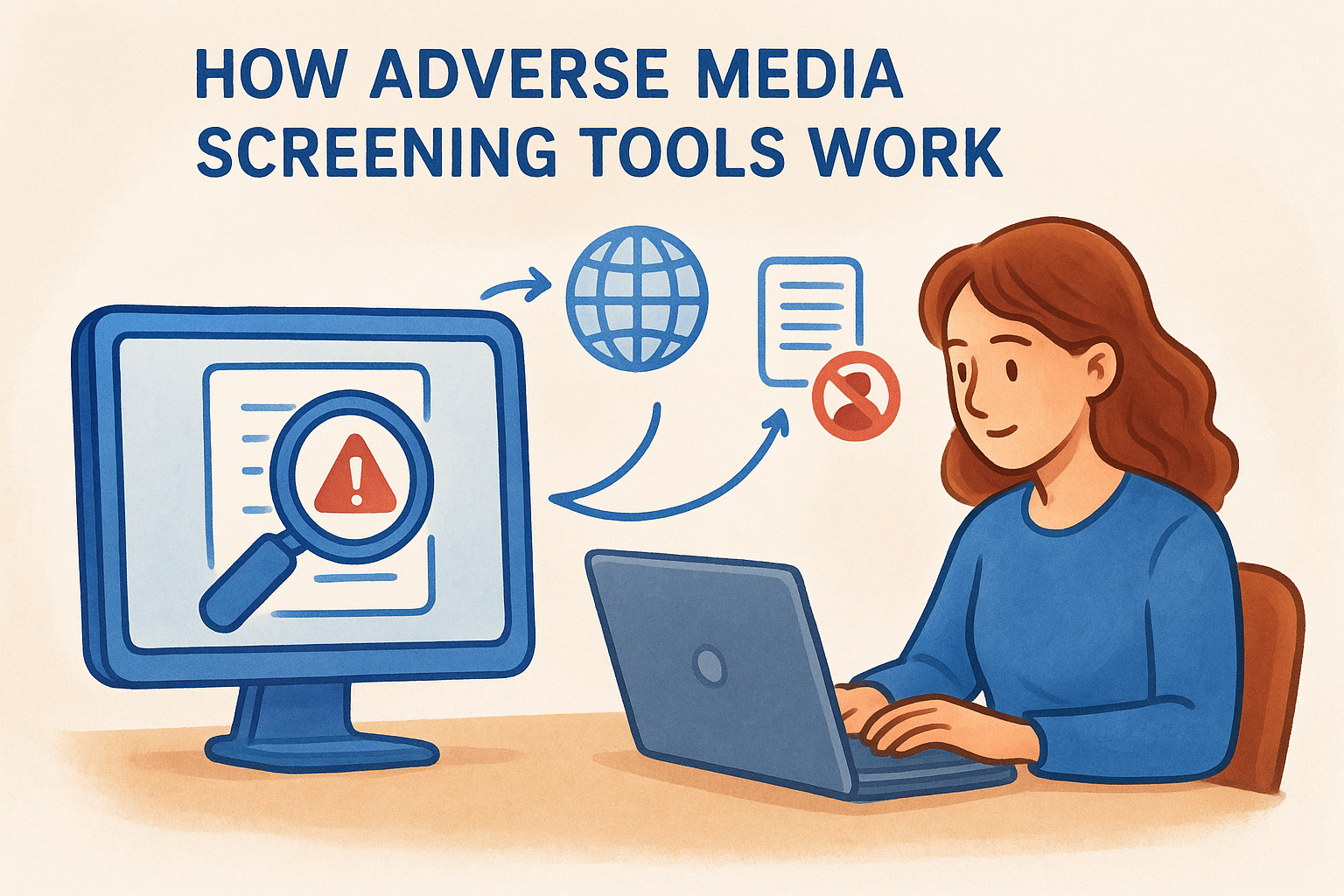
An adverse media screening tool scans thousands of news sources, watchlists, and public records to identify negative information about individuals or entities. These tools use natural language processing and search algorithms to match names against databases containing sanctions lists, law enforcement actions, fraud cases, and regulatory penalties. The system then flags potential matches based on configurable risk thresholds, allowing you to review findings before making onboarding decisions.
Data sources and search algorithms
The tool queries global news archives, court records, sanctions databases, and government registries to build a comprehensive risk profile. Most platforms search in multiple languages and apply contextual filters to distinguish between your client and someone with the same name who happens to be a convicted fraudster in another country. You configure search parameters based on jurisdiction, entity type, and risk categories relevant to your business.
Risk scoring and alerts
Once the system identifies potential matches, it assigns a risk score based on the severity and recency of the findings. High-risk alerts trigger immediate notifications, while lower-priority matches queue for manual review. You determine which risk levels require additional due diligence, escalation, or client rejection.
Automated screening doesn’t replace human judgement. It surfaces the information you need to make informed decisions quickly.
How to choose the right tool
Choosing an adverse media screening tool requires balancing compliance requirements with operational efficiency. You need a solution that integrates with your existing tech stack, provides accurate results without overwhelming false positives, and scales as your client base grows. The wrong choice forces your team to work across multiple platforms, duplicates data entry, and creates compliance gaps that regulators will notice.
Integration with existing systems
Your screening tool must work natively within your CRM or practice management software, not as a separate platform requiring manual data transfers. Tools like StackGo’s IdentityCheck operate directly in HubSpot, Salesforce, and other core systems, reading contact information, performing checks, and writing results back automatically. This eliminates the need to copy client details between applications, reducing data entry errors and ensuring screening happens consistently at every touchpoint.
Integration isn’t a convenience feature. It’s the difference between a workflow that runs smoothly and one that staff avoid because it’s tedious.
Coverage and cost structure
Evaluate whether the provider offers global coverage across jurisdictions relevant to your clients, including Australian sanctions lists, international watchlists, and regional news sources. Check if pricing scales predictably with usage, rather than locking you into expensive monthly subscriptions regardless of actual screening volume. Per-check pricing models align costs with business activity, making compliance affordable for firms of all sizes.
How to build it into your KYC workflow
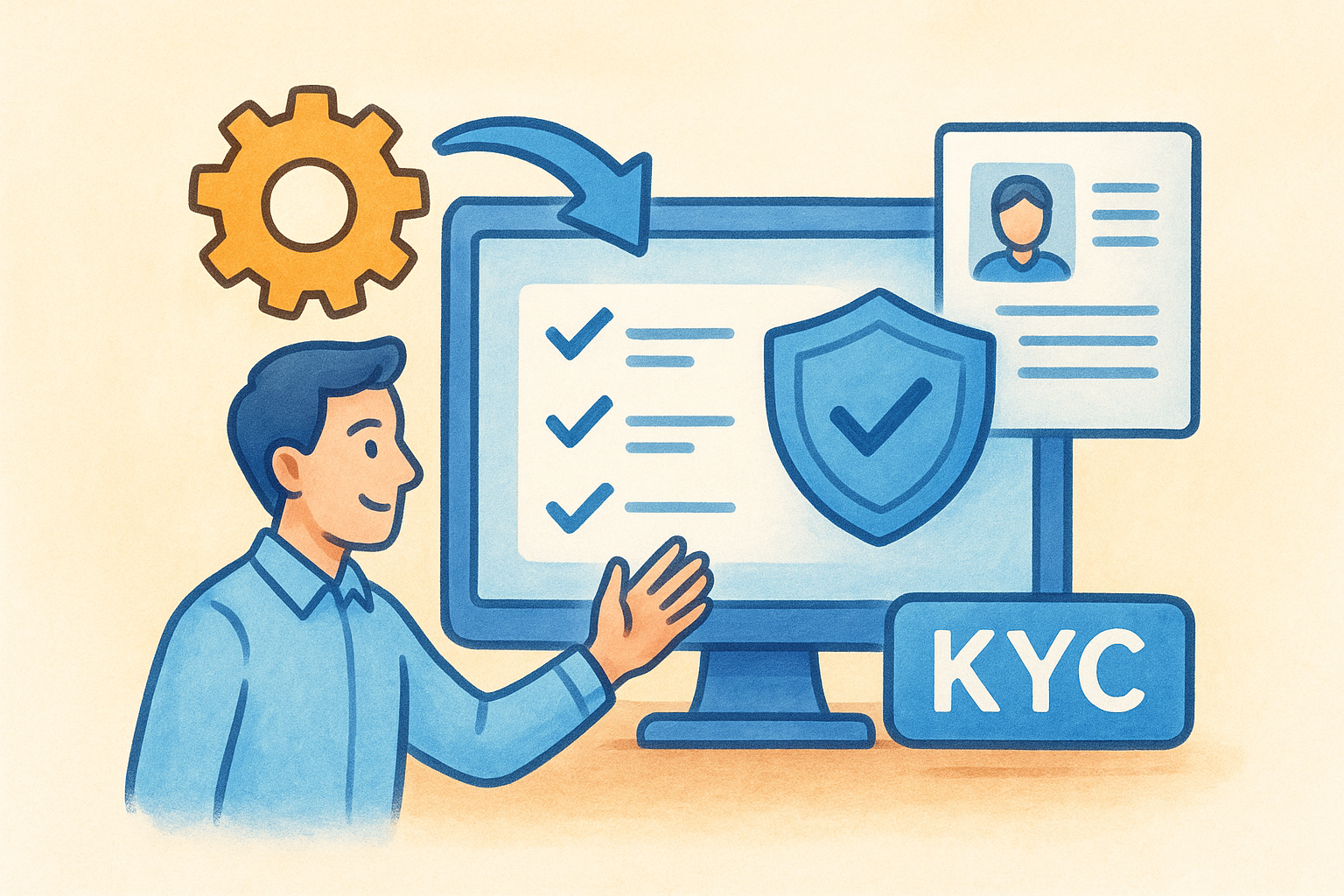
Adverse media screening works best when it’s embedded directly into your existing client onboarding and review processes, not bolted on as an afterthought. You configure the screening to trigger automatically at specific milestones, ensuring every client receives consistent risk assessment without relying on manual checks that staff might skip during busy periods. The goal is to create a repeatable, defensible process that runs in the background while your team focuses on client service.
Trigger points for automated screening
Set the adverse media screening tool to activate at initial onboarding, annual reviews, and significant transaction thresholds. For accounting firms, this means screening new clients when they first engage your services, then rescreening annually or when business activity changes materially. Financial advisers might trigger checks when investment amounts exceed certain limits, while recruitment agencies screen candidates before placement with high-security clients.
Automated triggers eliminate the risk of inconsistent screening and ensure compliance obligations are met systematically.
Configure your CRM to push contact details directly to the screening system, then write results back into custom fields or activity logs. This creates an audit trail that demonstrates due diligence during regulatory reviews, without requiring manual documentation.
Common issues and how to reduce false positives
The biggest operational challenge with any adverse media screening tool is managing false positives, where the system flags legitimate clients because they share names with individuals in negative news. This creates unnecessary review work, delays onboarding, and frustrates clients who must provide additional documentation. You need strategies to minimise these false matches without compromising your ability to detect genuine risks.
Name matching challenges
Common names generate the most false positives. Screening "John Smith" against global news sources will return dozens of irrelevant matches unless you apply contextual filters that consider date of birth, location, and middle names. Your screening tool should allow you to configure match parameters based on how much identifying information you collect during onboarding. The more data points you provide, the fewer false positives you’ll encounter.
Precise matching rules reduce false positives without weakening your compliance controls.
Configuration and filtering strategies
Configure your tool to prioritise local jurisdictions where your clients operate, rather than scanning every global news source indiscriminately. Apply date filters to exclude historical matches beyond a relevant timeframe, typically five to seven years depending on your risk appetite. Review and refine your risk scoring thresholds regularly based on the volume of false positives your team encounters, ensuring the system learns from previous decisions.
Next steps
Implementing an adverse media screening tool before March 2026 gives you time to refine your processes and train your team without the pressure of an imminent compliance deadline. Start by mapping your current KYC workflow to identify where screening should trigger automatically, then evaluate tools that integrate directly into your existing CRM or practice management software. This approach eliminates the friction of adopting new platforms while ensuring consistent risk assessment across your client base.
Australian accounting firms preparing for AUSTRAC’s AML/CTF regime need solutions that handle identity verification, adverse media screening, and ongoing monitoring within systems they already use daily. StackGo’s IdentityCheck operates natively inside platforms like HubSpot and Salesforce, managing compliance requirements without forcing your team to switch between applications. See how IdentityCheck handles AUSTRAC Tranche 2 requirements for accounting firms, or create a free account to test the integration with your current tech stack.


