A different intake form for each way clients arrive
Tranche 2 firms can now give clients from the public intake link one form and staff-started journeys another.
- Released
- Who it's for
- Firms using the Tranche 2 transfer process. An account admin sets it up.
- Workflow
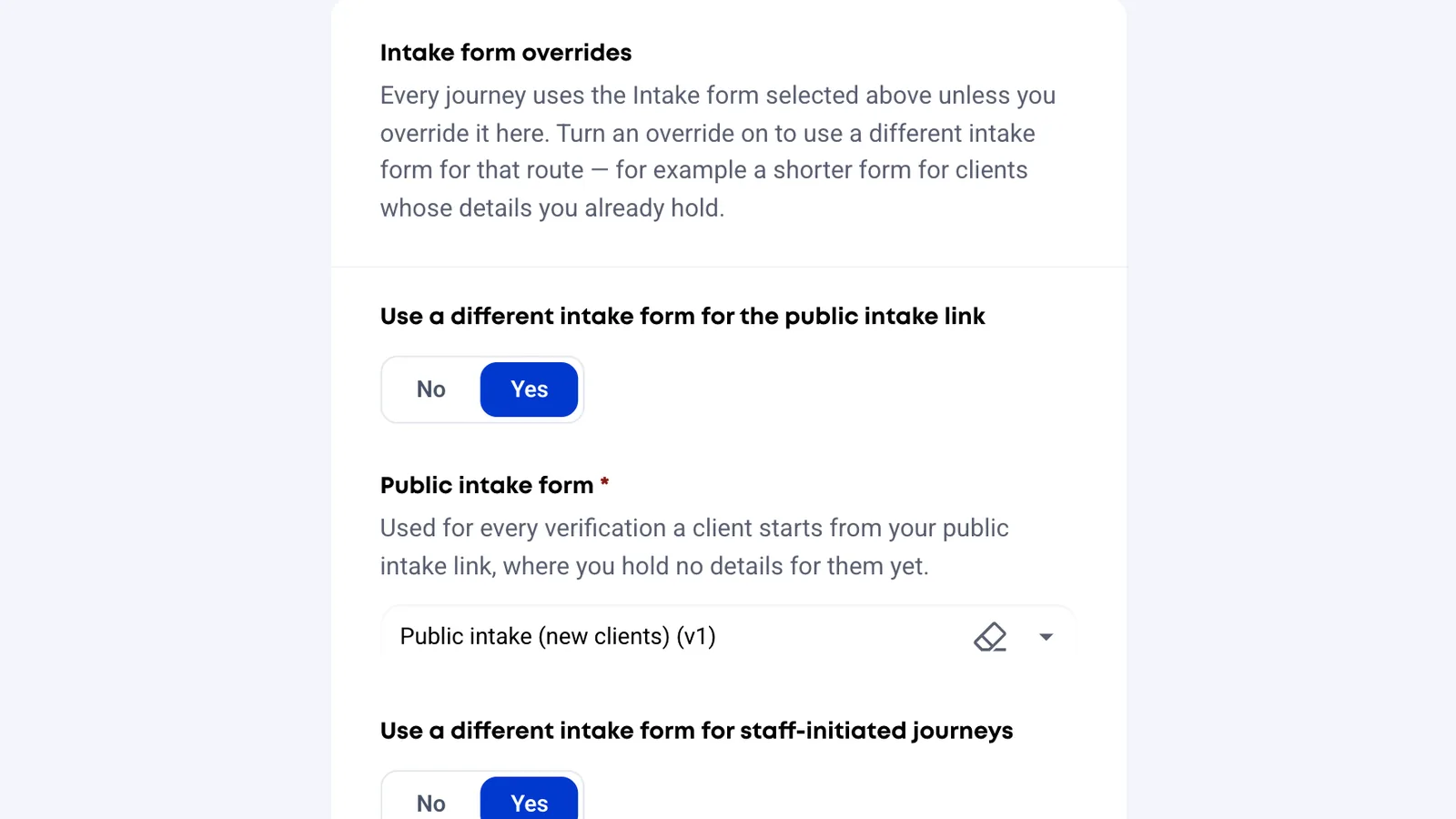
Until now every Tranche 2 journey used the same intake form. You can now set a different form for two kinds of journey:
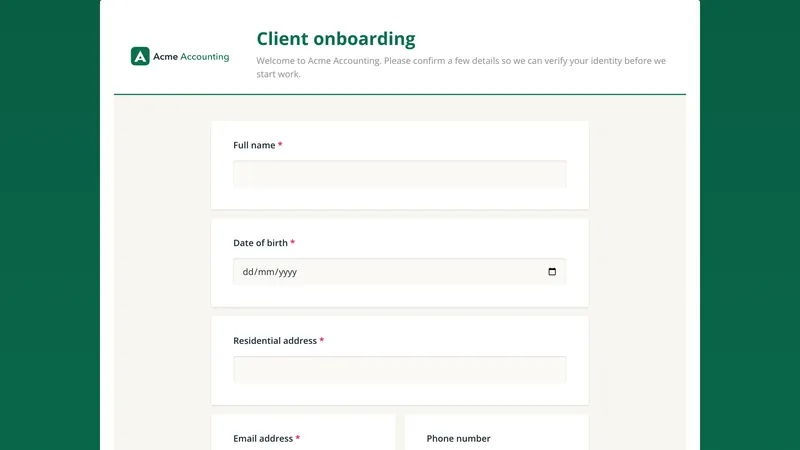
- Public intake link. Clients who come in through your self-serve link. You don't know these people yet, so this is usually a longer form.
- Staff-initiated. Journeys a staff member starts by typing the client in by hand. You already know these clients, so this is usually a shorter form. Scheduled re-verification of an existing client counts as staff-initiated.
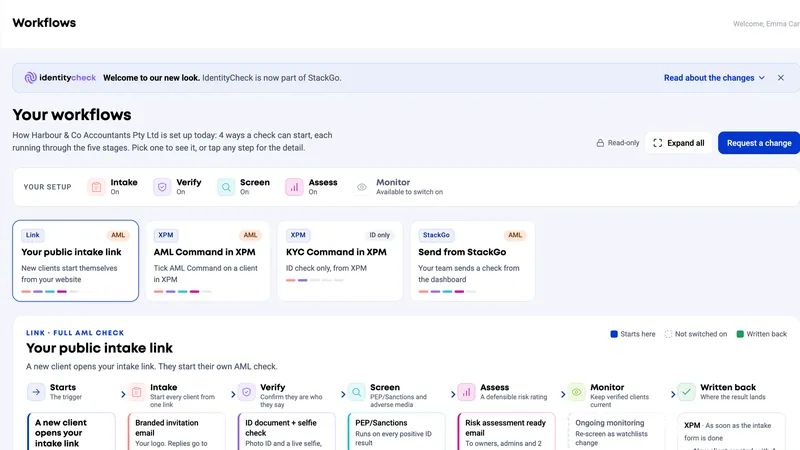
- Public intake linkA new client starts on their own from your linkusesPublic intake formWhen the override is on
- Staff-initiatedA staff member types the client in, or a scheduled re-verification runsusesStaff-initiated intake formWhen the override is on
- Connected system or prefillStarted from XPM, Karbon or HubSpot, or prefilled from XPM or PipedriveusesMain intake formAlways, so answers write back to that system
Every other journey keeps your main intake form. That includes journeys started by a connected system such as XPM, Karbon or HubSpot, and journeys prefilled from XPM or Pipedrive, because those answers are written back to that system.
Both overrides are off by default, so nothing changes until you turn one on. A client who is past the consent step keeps the form they started with, even if you change the override later.
In the help centre: Setting up your Tranche 2 compliance flow
Want a hand setting it up?
Tell us how your firm onboards clients and we will help you fit this into your workflow.