

IDVerse is an AI-powered identity verification provider that enables businesses to authenticate government-issued documents in real time. For regulated industries, accounting firms, financial services, legal practices, IDVerse document verification offers a way to meet KYC and AML obligations without drowning in manual checks. But understanding what the technology actually does, how reliable it is, and whether it fits your workflow matters before you commit.
That’s where the practical side gets interesting. A verification tool is only as useful as your ability to integrate it into the systems you already use. If your team has to jump between platforms, copy-paste results, or manually update client records, you’re adding friction rather than removing it. At StackGo, we built our integration platform, including IdentityCheck, specifically to solve this problem, connecting identity verification directly into your CRM so outcomes are written back automatically, with PII kept out of your everyday systems.
This article breaks down how IDVerse’s document verification works, what it covers, and what you should consider when evaluating it for your business.
Why IDVerse document verification matters
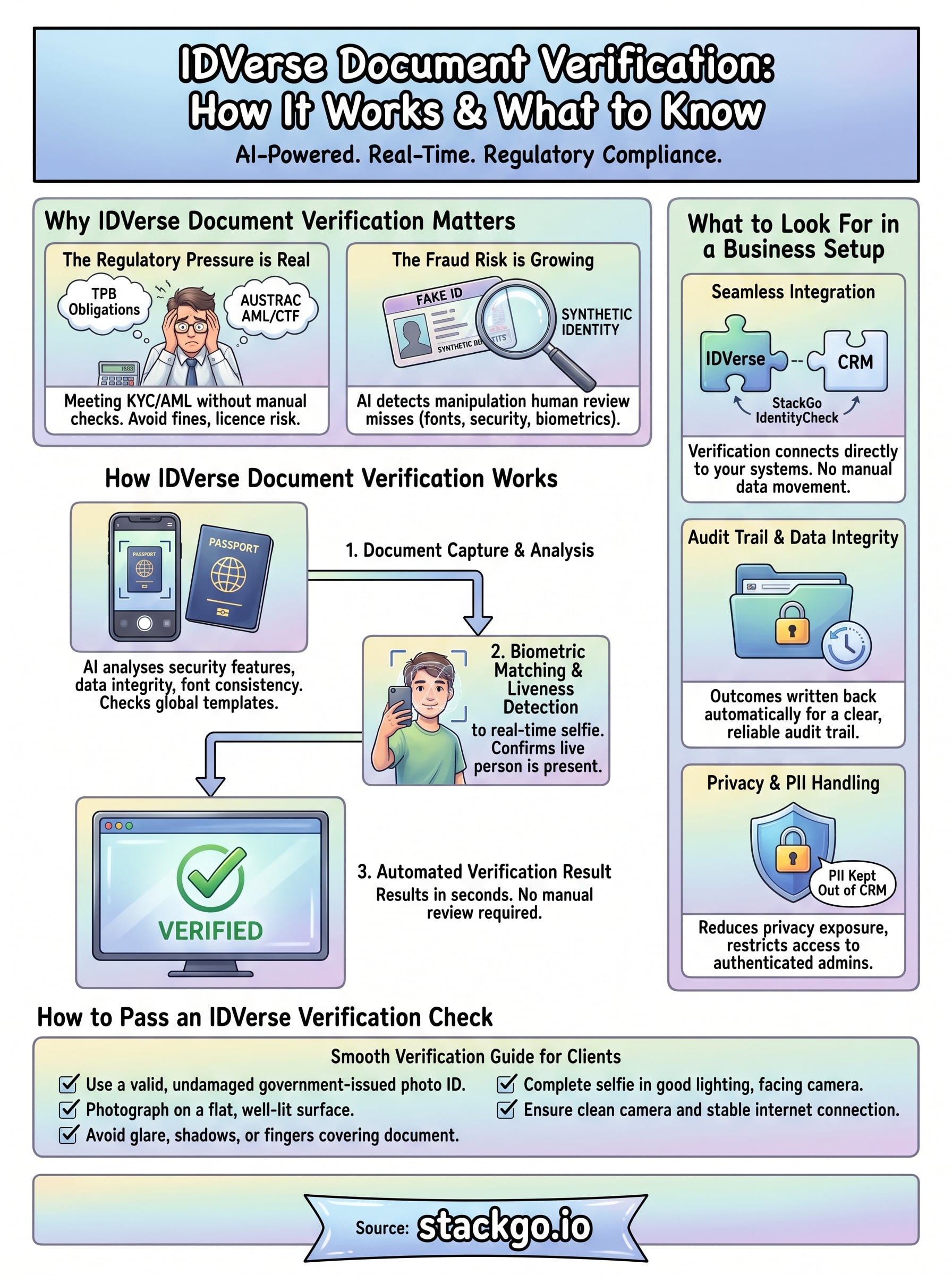
Compliance requirements for Australian businesses have tightened considerably in recent years. Whether you run an accounting firm dealing with Tax Practitioners Board (TPB) obligations or a financial services business facing AUSTRAC’s AML/CTF framework, the expectation is clear: verify who your clients are and keep a record to prove it. IDVerse document verification gives businesses a reliable, automated way to meet that standard without building a verification process from scratch.
The regulatory pressure is real
Australian regulators are not treating identity verification as optional. The TPB already requires that registered tax agents take reasonable steps to verify client identities, and AUSTRAC’s expanded AML/CTF obligations are pulling more professional services firms into scope. For accountants, lawyers, and financial advisers, the cost of getting this wrong includes fines, licence risk, and reputational damage.
Getting identity verification right is not just a compliance checkbox. It protects your business and your clients from fraud before it becomes a problem.
Manually checking documents and recording outcomes in spreadsheets or emails is not a defensible process at scale. Automated verification creates a clear audit trail that you can actually rely on if your compliance practices are ever reviewed, and it removes the human error that manual processes introduce.
The fraud risk is growing
Beyond regulation, fraud is a genuine operational risk. Synthetic identities, altered documents, and stolen credentials are increasingly common tools for bad actors. AI-powered verification systems like IDVerse are built to detect manipulation that a human reviewer would likely miss, including inconsistencies in document fonts, security features, and biometric matching.
Your clients also expect the process to be fast and smooth. A slow or broken identity check damages the onboarding experience and can push prospects away before they become paying customers.
How IDVerse document verification works
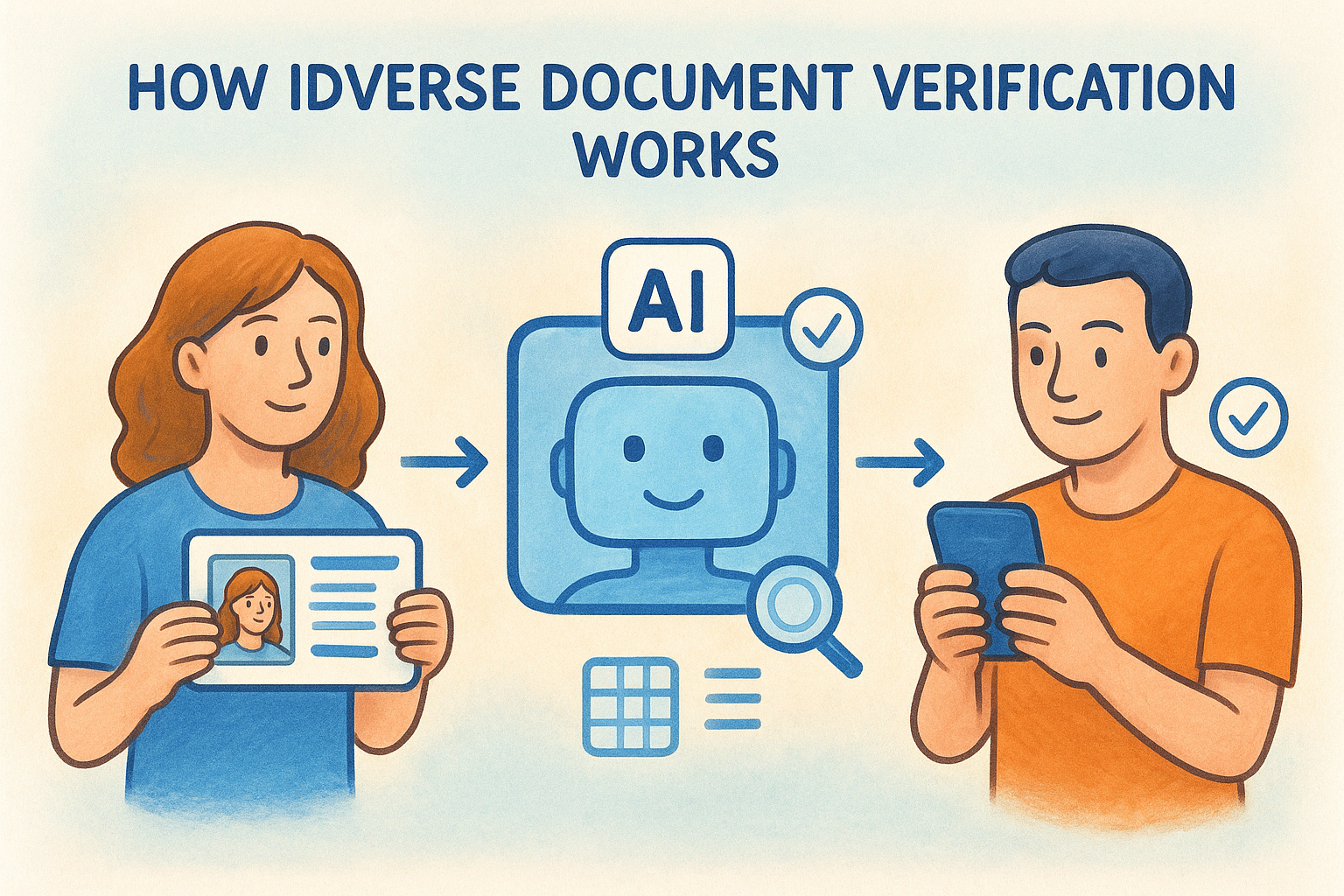
IDVerse document verification runs on an AI engine that processes identity documents in real time. When a client submits their ID, the system captures and analyses the document image, checking it against thousands of known templates across over 200 countries and 10,000 document types. No manual review is required to get a result.
Document analysis and fraud detection
The AI evaluates security features, data integrity, and font consistency across the document. It detects digital manipulation and physical tampering at a level of detail that manual review cannot match at scale. Results return in seconds, not days.
Faster verification does not have to mean less rigorous verification. IDVerse is designed to deliver both.
The system checks include:
- Document template matching against a global library
- Security feature and hologram validation
- Tamper, alteration, and forgery detection
Biometric matching and liveness detection
Once the document clears, IDVerse compares the ID photo against a real-time selfie from the person submitting it. Liveness detection confirms a live person is present, not a printed photo or screen recording.
This step matters most for remote onboarding, where you cannot physically inspect a client across a desk. Your client’s identity is confirmed end-to-end before any outcome gets written back to your systems.
How to pass an IDVerse verification check
Most failures in IDVerse document verification come down to document quality and environment, not system errors. When your client knows what to expect before they start, the process rarely stalls.
Prepare the right documents and conditions
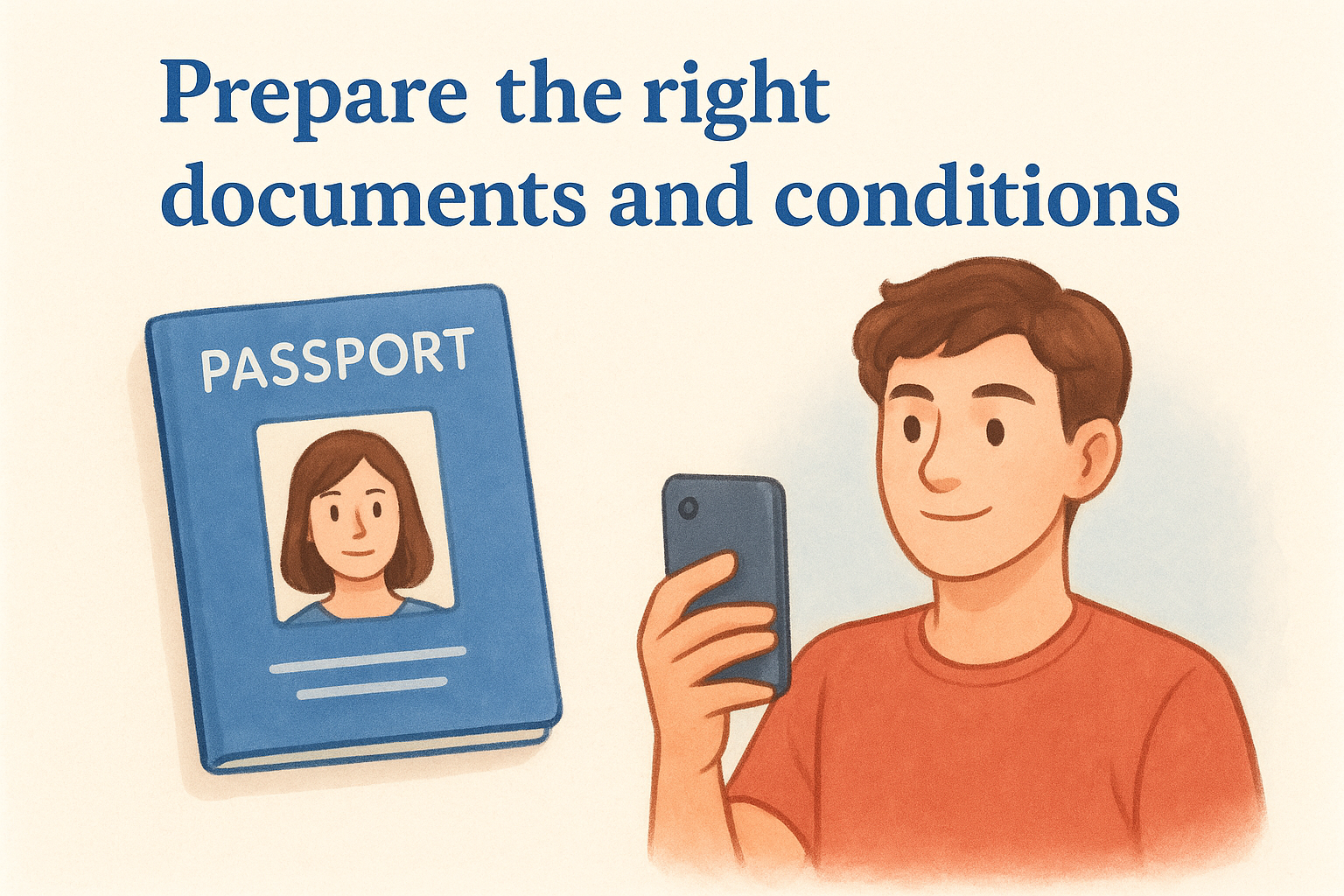
Your client should use a valid, government-issued photo ID such as a passport or driver’s licence. The document needs to be undamaged, with no cracked laminate, folds, or obscured text. For the selfie step, good lighting and a neutral background make a significant difference to the biometric match result.
A failed check costs time for both you and your client, so a short briefing upfront is worth it.
Sharing a simple checklist with clients before they begin is one of the easiest ways to reduce failed attempts and speed up your onboarding. Here is what to include:
- Use a current, undamaged government-issued photo ID
- Photograph the document on a flat, well-lit surface
- Avoid glare, shadows, or fingers covering the document
- Complete the selfie step in good lighting, facing the camera directly
- Ensure your device camera is clean and your internet connection is stable
What to look for in a business setup
Choosing the right setup for IDVerse document verification in your business goes beyond picking a verification provider. The way results are captured, stored, and surfaced to your team determines whether the tool genuinely improves your compliance process or simply adds another system for your staff to log into and manage separately.
Audit trail and data integrity
Your verification outcomes need to be recorded automatically and tied to the correct client record without anyone on your team manually copying results across from a portal. If that manual step exists, you are introducing gaps into your audit trail and increasing the chance of errors. Look for a setup where verification results write back directly to your existing system the moment a check completes.
An airtight audit trail is what protects your business if your compliance practices are ever reviewed by a regulator.
Privacy and PII handling
Personally identifiable information should not sit in your everyday business tools where it is exposed to unnecessary access or accidental sharing. A well-configured setup keeps PII out of your CRM and restricts access to MFA-authenticated administrators only. That approach reduces your risk surface considerably and aligns with Australian privacy obligations your business already carries.
How to integrate IDVerse into workflows
The value of IDVerse document verification depends entirely on how cleanly it connects to the tools your team already uses. A standalone verification portal that stores results separately from your CRM means someone still has to move data manually, which undermines the whole point of automating your compliance checks.
Connect verification to your existing systems
StackGo’s IdentityCheck integration pulls client data directly from your CRM, triggers the verification, and writes the outcome back automatically once the check completes. Your staff never need to leave the platform they already work in, and no PII ends up stored in your CRM where it creates unnecessary privacy exposure or access risk.
The right integration removes the extra tab, the manual copy-paste step, and the compliance gap that comes with it.
Results tied directly to each client record mean your team gets a clear, searchable history without logging into a separate portal to find verification outcomes.
Keep your process consistent at scale
As client volume grows, manual verification steps become a bottleneck that slows your onboarding and increases error risk. A properly integrated workflow ensures every client goes through the same process, every result is recorded in the same place, and your audit trail remains complete without depending on individual team members to follow a checklist correctly every single time.
Next steps
IDVerse document verification gives your business a fast, reliable way to meet KYC and AML obligations without adding manual steps to your team’s workload. The technology covers document authentication, fraud detection, and biometric matching, but the real return comes from connecting those results directly into your existing systems so nothing falls through the gaps.
If you run an accounting firm preparing for AUSTRAC’s expanded Tranche 2 obligations, the setup you choose now will determine how smoothly your compliance process holds up as client volume grows. Getting verification, data capture, and audit trail management working together cleanly from the start is far easier than retrofitting a better process later.
StackGo’s IdentityCheck is built for exactly that. You can see how it fits your current workflow by exploring how IdentityCheck handles AUSTRAC Tranche 2 AML/CTF compliance, or create a free account to test it against your own use case.


